
Disclaimer: this post contains affiliate links. When you make a purchase through these links, I receive a commission at no extra cost to you.
If you’re on the hunt for Spanish speaking practice that maybe isn’t quite as daunting or expensive as other methods of practicing speaking Spanish, allow me to recommend Speechling!
In this Speechling review, let’s talk about what makes Speechling different and helpful for language learners like myself who want to get in their conversational practice, but just don’t jive well with the pressure of a live conversation (calling all introverts!)
[convertkit form=1363388]Speaking practice with Speechling
Right off the bat, Speechling helps learners of a variety of languages, including:
- American English
- British English
- French
- Latin American Spanish
- Castilian Spanish
- Simplified Chinese
- Traditional Chinese
- German
- Russian
- Italian
- Japanese
- Portuguese
- Korean
With a subscription to Speechling, you get access to every single one of them. And yeah, you’re free to switch between languages (and varying levels of each language) at any time. I’ve been using Speechling to practice both advanced Spanish and beginner French!
RELATED: How to Start Learning French (VIDEO)
But I digress, I’m getting ahead of myself here.
I mentioned that Speechling makes for great Spanish speaking practice for introverts, so let’s talk about that!
An italki alternative for Spanish speaking practice
There are quite a few options to language learners to practice Spanish speaking - resources like italki, Verbling, and BaseLang, all of which connect Spanish language learners with native Spanish speakers to get conversational Spanish.
While Speechling does connect you to native speakers, instead of having classes/conversations online, you submit words, phrases, answers, and more and get feedback on your pronunciation, while also getting fluency practice.
Let’s take a look at the Speechling app (though it’s available on both desktop and mobile, I personally think it’s easier to use via mobile). We’ll start with the first tab, the “Study” tab.
The Study Tab
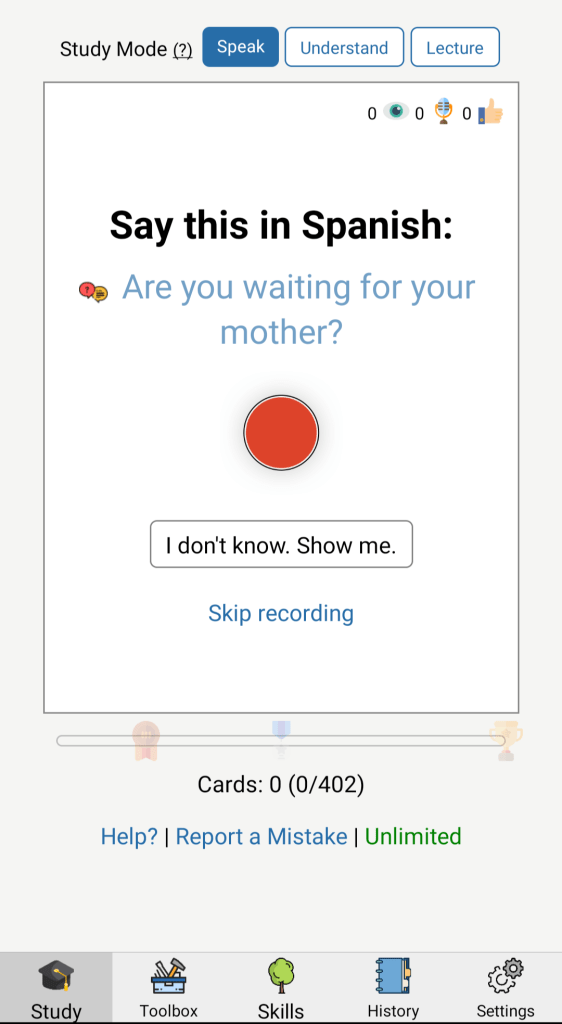
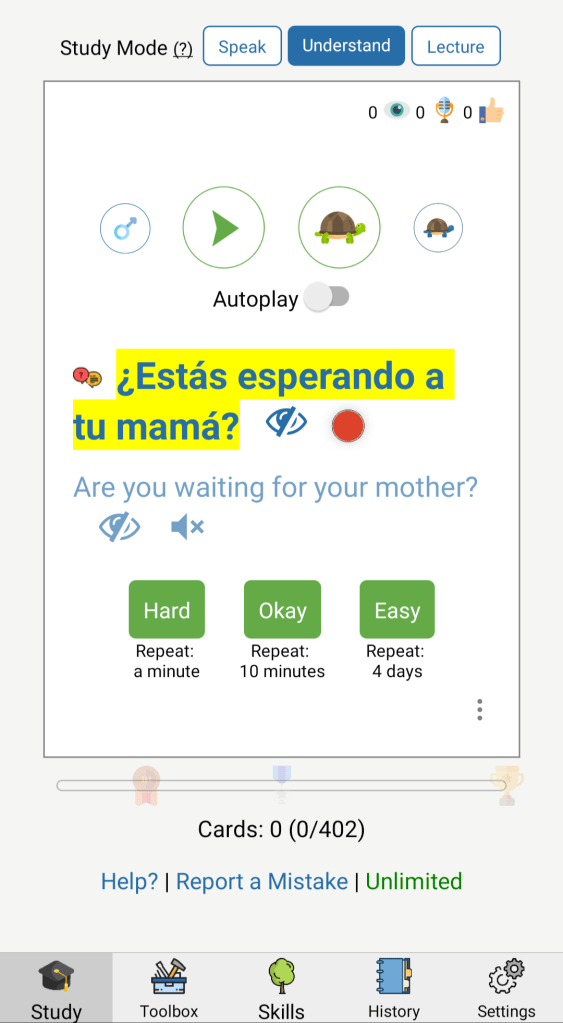
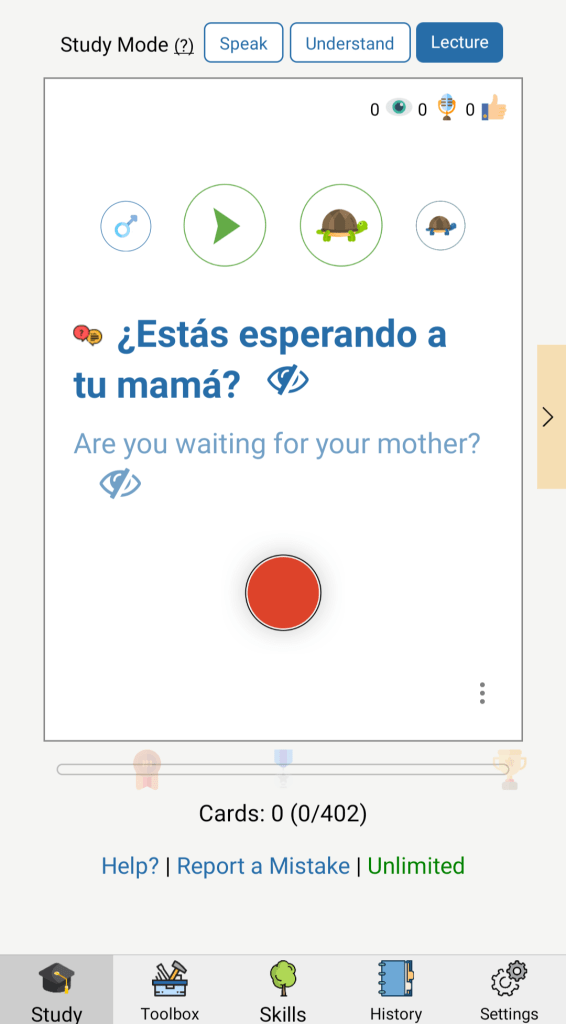
Here I’m being presented with the same statement in 3 different formats, depending on which mode is selected:
- Translation prompt
- Listening comprehension
- Speaking practice
As an advanced Spanish speaker, these particular exercises aren’t helpful for me, but I do love to use these exercises in French. They’re a great way to practice your listening and speaking skills.
If you don’t like that particular prompt? Just in those screenshots, Speechling has over 400 other prompts for you to choose from. You can choose however many you want at a time, in whichever order you want, so you don’t have to bother practicing phrases that don’t apply to you.
The Toolbox Tab
That’s already a ton of options (especially considering they’re available in several languages at all skills levels), but the “Study” tab is just the tip of the iceberg. Let’s go next door to the “Toolbox” tab!
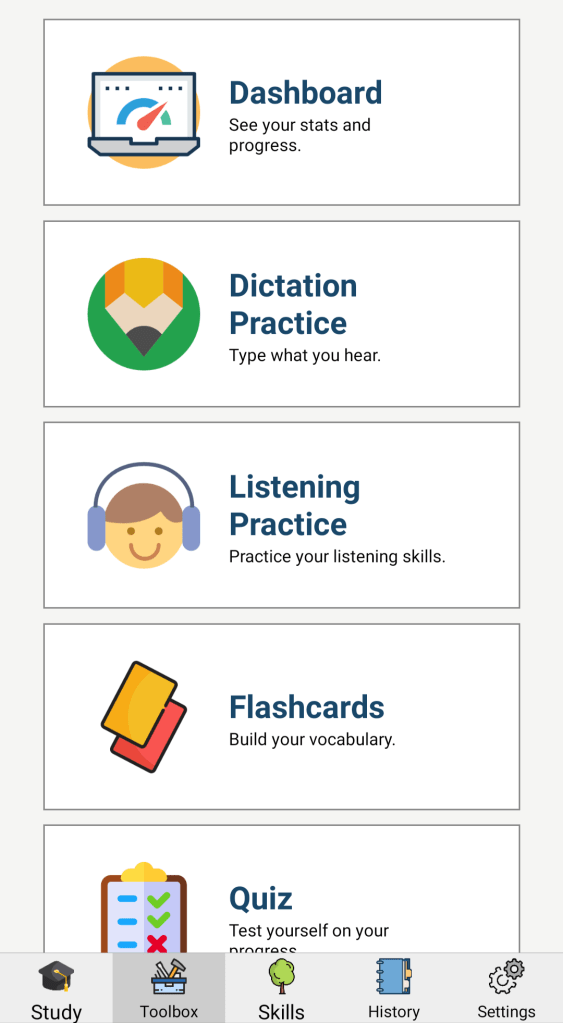
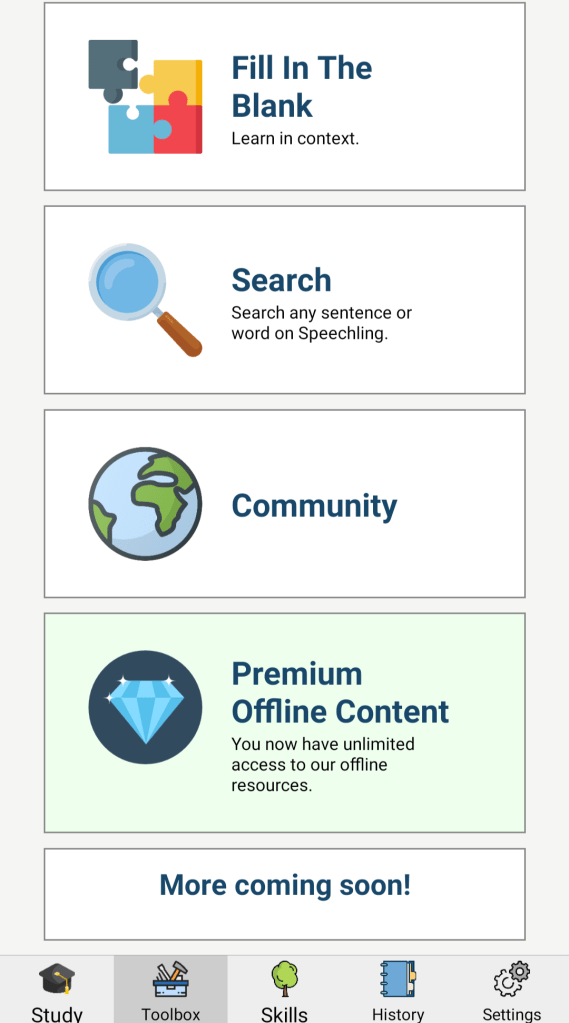
At first glance, this is really overwhelming, which I get. It’s a lot of opportunity. The good news, it’s really easy to complete any of these activities (they all take literally 10 seconds to do), and you’ll get feedback from a pro within 24 hours.
But, just for the sake of being as in-depth as possible, let’s go through this toolbox and see what Speechling has to offer.
Dashboard
Here you can see the activities you’ve already completed at your current settings (i.e. the language you’re learning and your level), both in Speak Mode and Understand Mode.
RELATED: How to Learn More Than One Language at Once (VIDEO)
If you scroll down, you can see your overall progress, which includes every language and every level of those languages.
Dictation practice
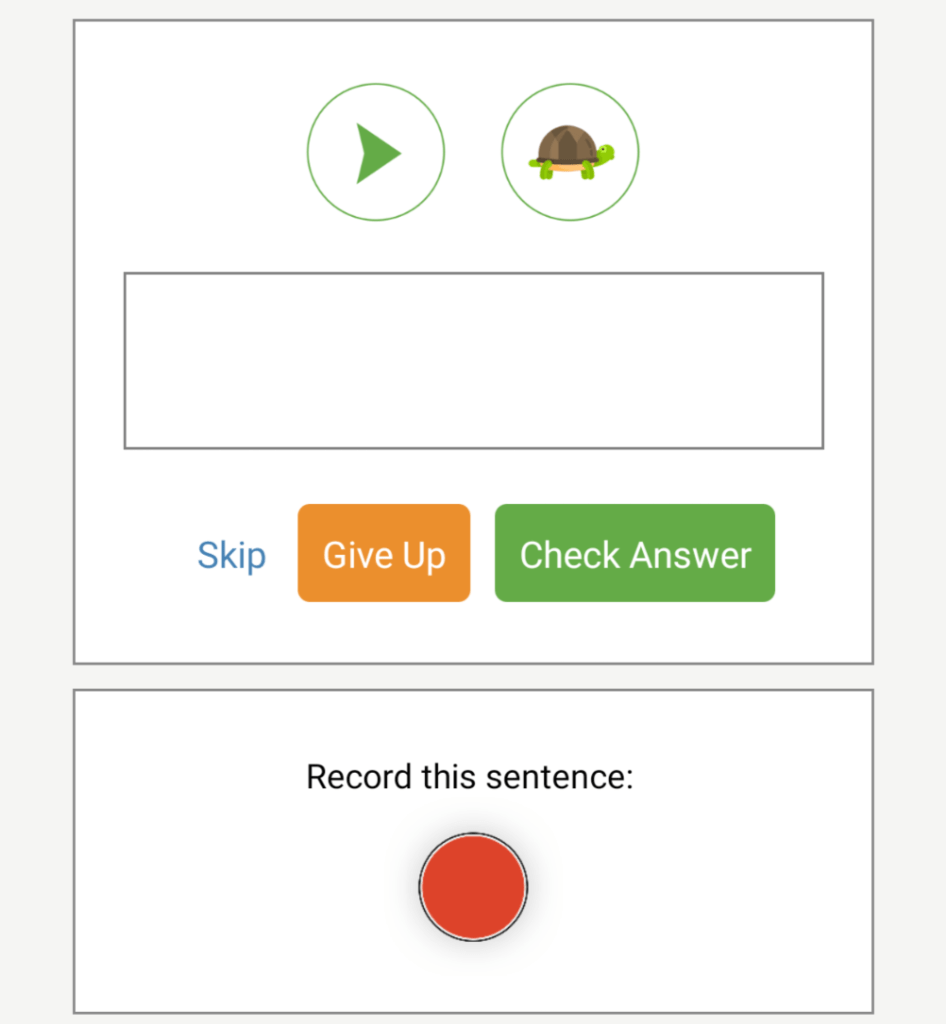
In this section, listen to an audio track and write down what’s being said. You know, exactly what dictation is!
Listen to the audio as many times as you need, slow it down, go to the next audio track…it’s all totally customizable so, again, you don’t have to practice phrases that aren’t useful for you.
Listening Practice
Switch over to this tab and you’ll get a Spanish audio (or whichever language you’re studying) followed by the translation. This helps you to make the connection in your mind between both statements.
Flashcards
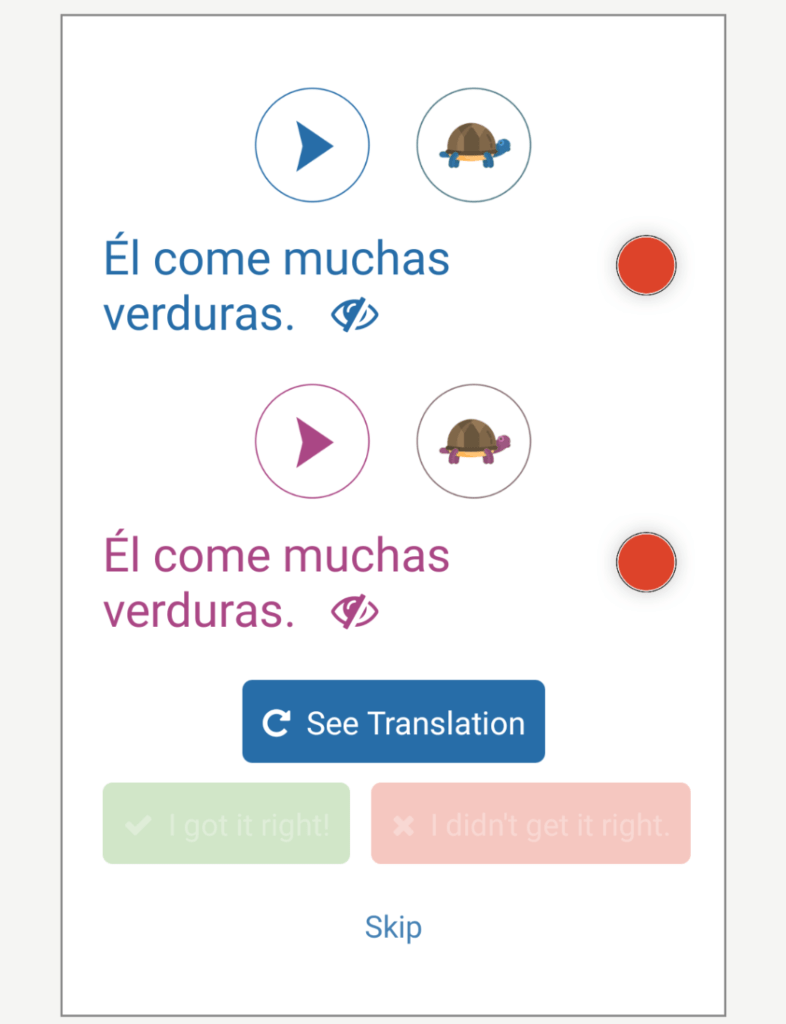
These flashcards are interesting! My favorite flashcard app is Anki - one of the reasons why I love Anki so much is because you can customize your flashcards to include audio, images, fill-in-the-blank…whatever you like.
With Speechling’s flashcards, you get to learn new words/phrases with two different audio tracks (these are with a male voice and a female voice), and repeat it back.
Then, of course, you get the translation, so you get translation practice even on top of that! Of course, this is a totally different concept from Anki so I wouldn’t pit them together, but this is an interesting addition to Speechling’s platform as a whole.
Quiz
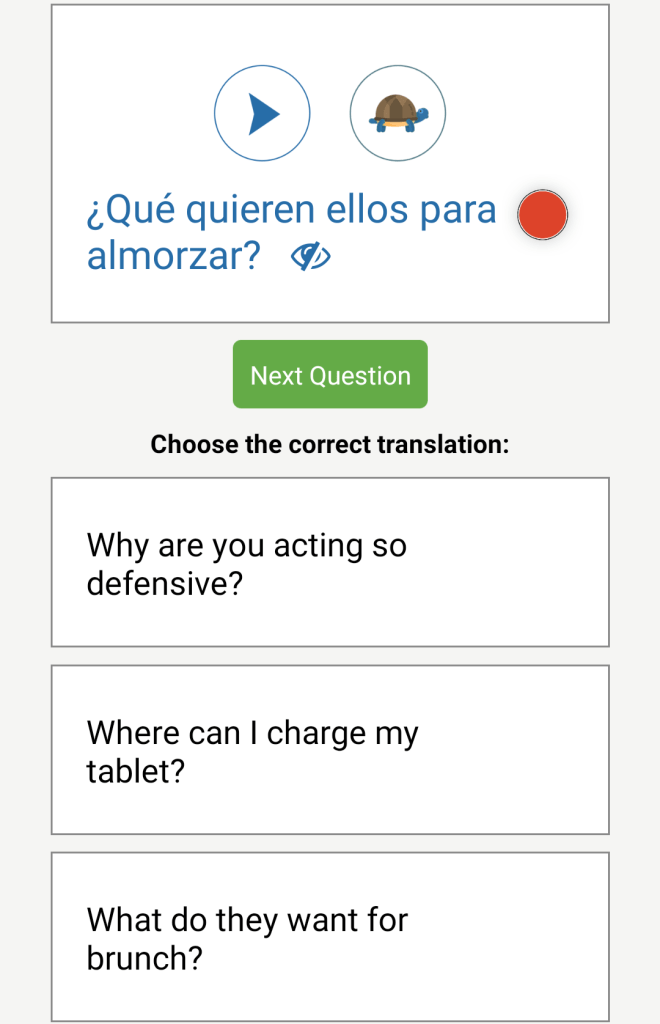
Again, my Spanish is a bit too advanced for this, but the quiz section is very useful for getting used to reading and understanding text at your level of the language.
I especially love this for conjugation practice! So many of us have been taught to learn conjugation through tables and whatnot (spoiler alert: that’s not helpful), so this is a great way to learn how to naturally conjugate your verbs appropriately.
Fill in the blank
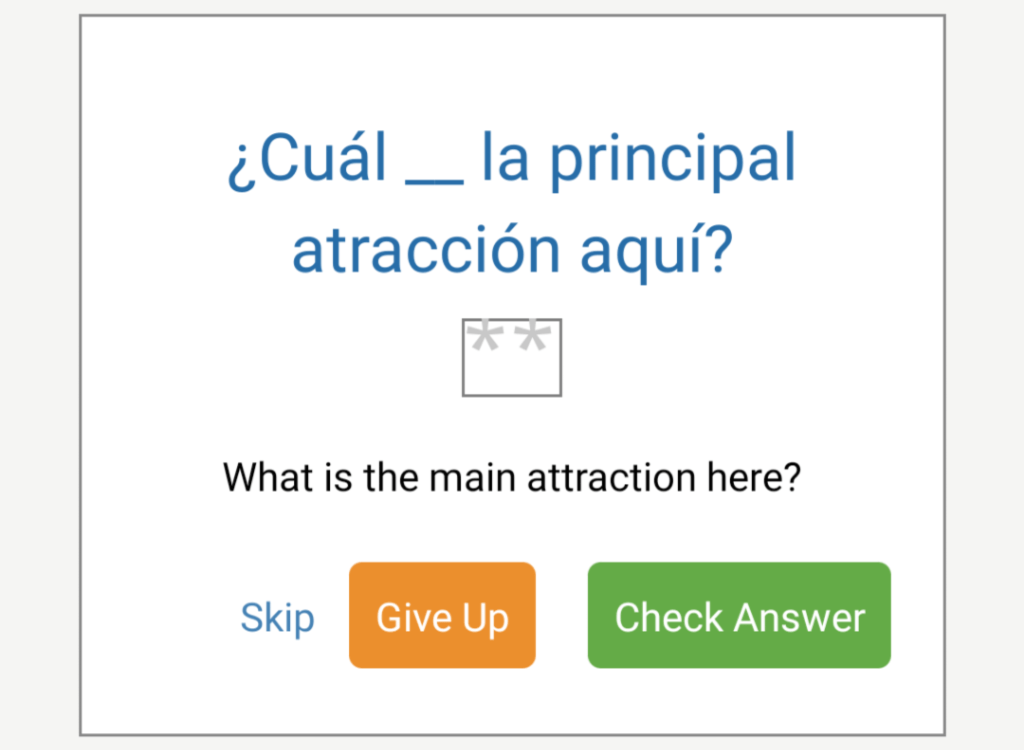
Look, it’s a cloze! It’s hard to find good cloze-formatted question (is that the right way to say that?) so this is really exciting. Besides the ability to make these flashcards in Anki, Clozemaster is the only other language learning resource I’ve found that does this really effectively.
This one is pretty easy, but remember you can change your difficulty level at any time.
Search
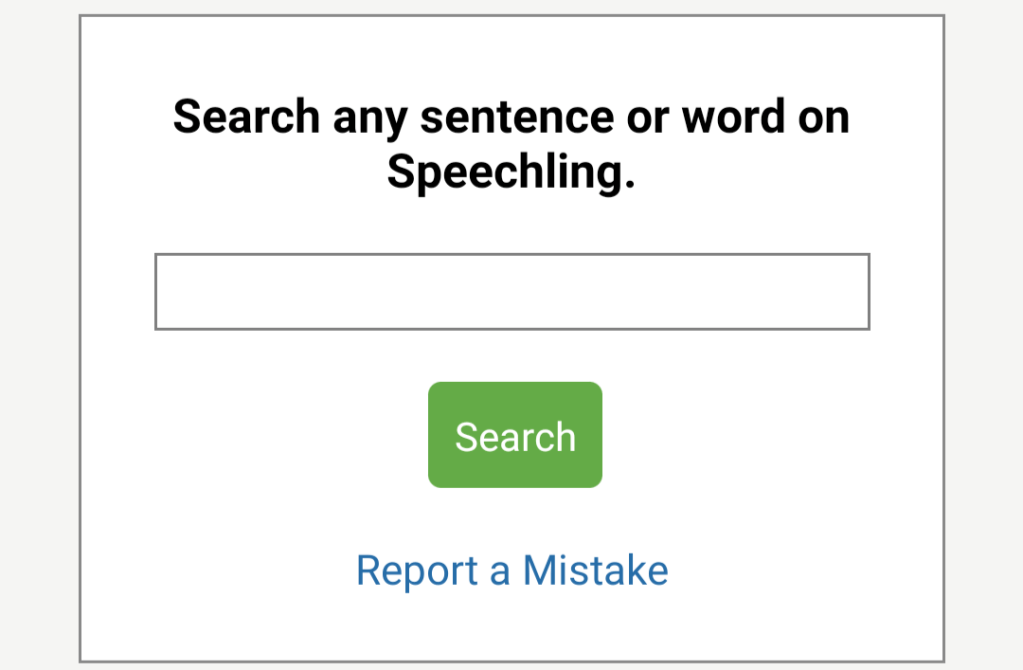
I really like this section, too! With the “Search” tab, you can enter anything into that box and Speechling will deliver all the words, phrases, and sentences they have that include or are related to what you search.
For example, here’s some of the results I got by searching for “feliz”.
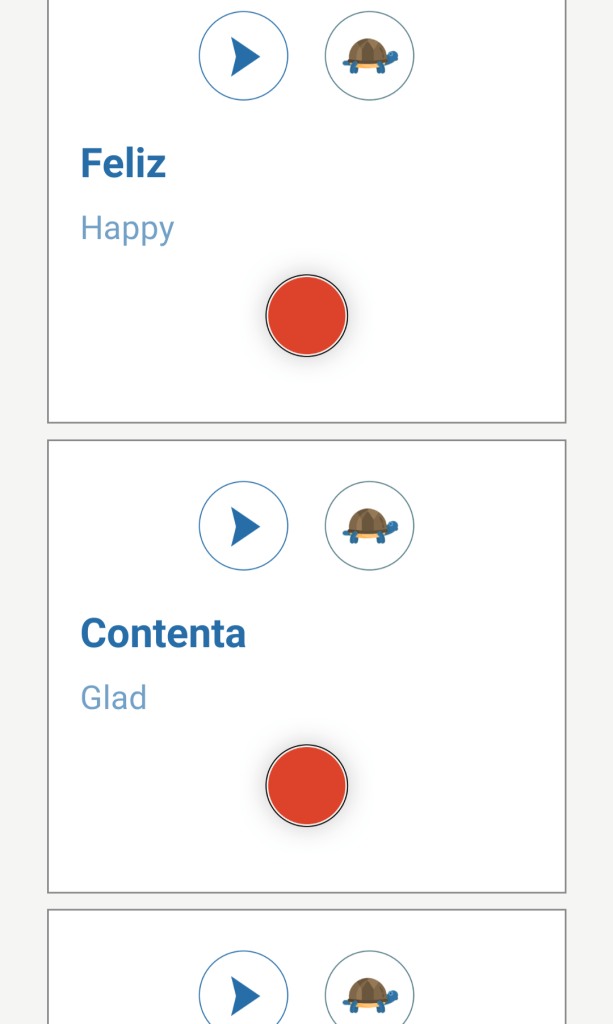
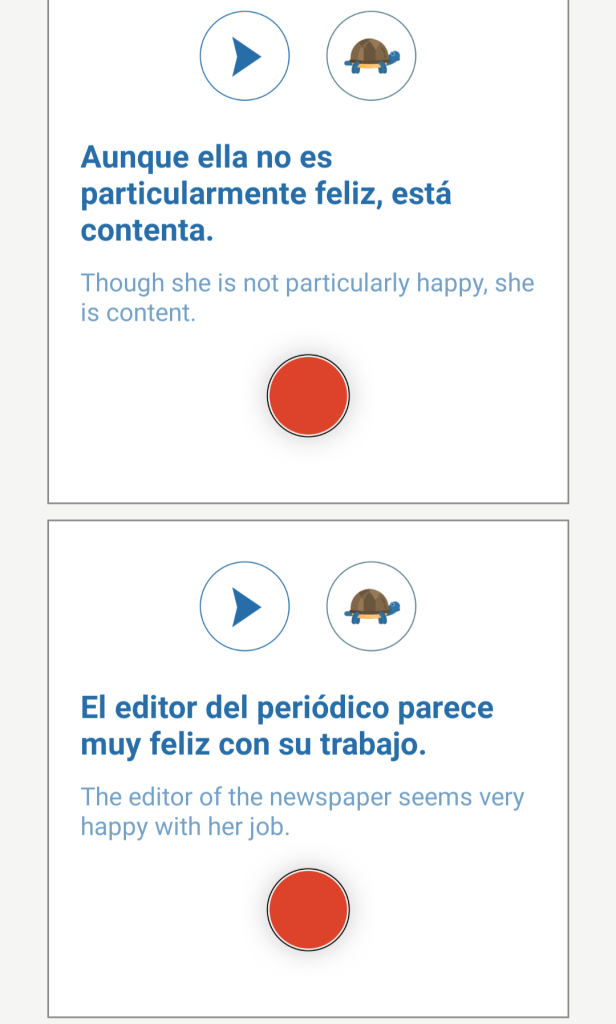
There are other resources that do similar things, like Tatoeba, but again, this is a really nice addition to an already very helpful resource.
Community
This button links to Speechling’s Facebook group, which is a decent-sized group of language learners. It’s a little sleepy, but it’s not one of those spammy groups full of people asking for translations or lessons, and it’s not dead, either.
Speechling themselves post conversation starters every few days, too, so this could be a great way to get a hold of Speechling if you run into any problems.
Premium Offline Content
Last but not least, as a paying member you get access to ALL of Speechling’s content in one place, in case you’re interested in putting it together and learning it more outside of the Speechling app.
This content includes:
- 10,000+ Speechling sentences
- audio downloads broken up by skill level
- Anki decks broken up by skill level AND speaking/listening practice
So, basically, everything that Speechling uses in all its practice methods presented to you in even more methods!
RELATED: 6 Ways to Learn to Speak Spanish (VIDEO)
Phew! Okay, that was a lot. A lot a lot. If you’re overwhelmed by the sheer number of options that you have available to you through Speechling, I get it.
Thing is…that’s not even everything! Next up is the “Skills” tab.
The Skills Tab
While the “Toolbox” tab provides you with a variety of different ways to use and express yourself using the sentences and phrases that Speechling has, the “Skills” tab is where you find those words and sentences and phrases, organized by skill level and category.
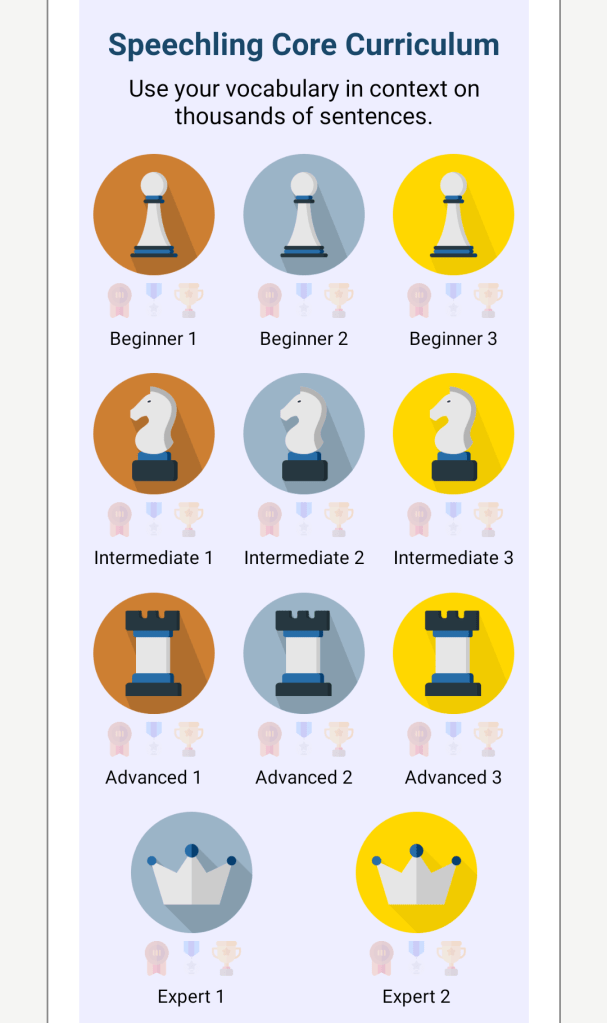
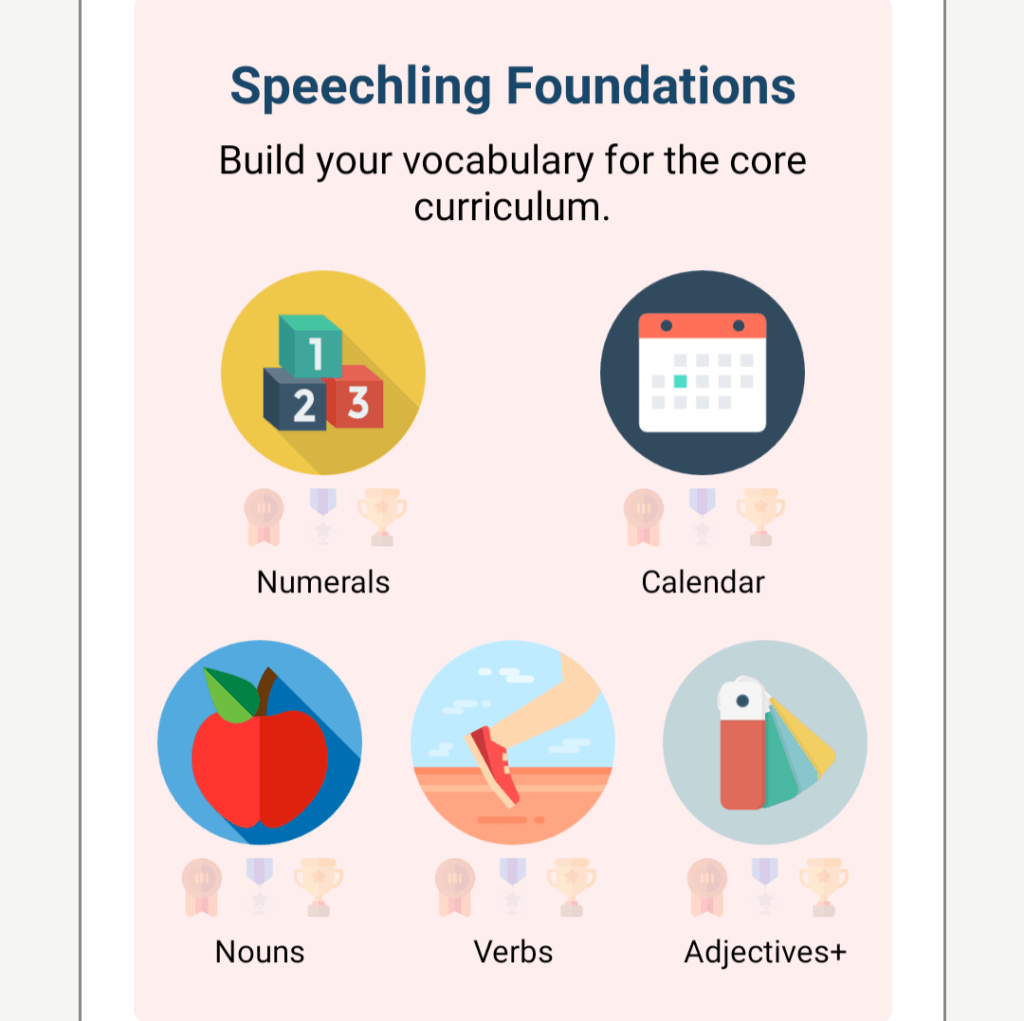
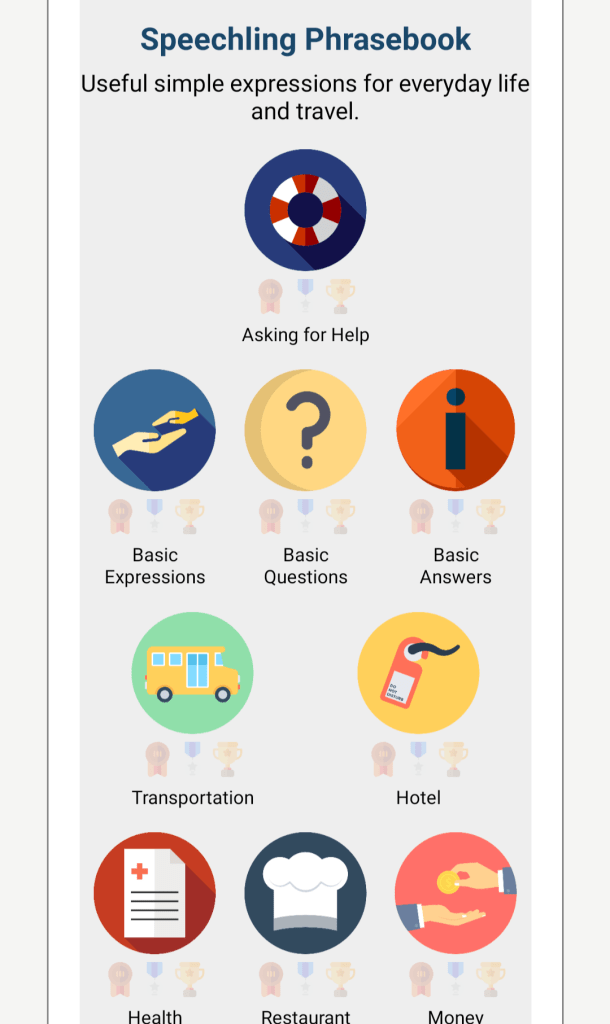
All you gotta do is select any one of these categories, and the exercises you’re presented with are pulled from your choice. Again, change this whenever you want, and you can practice whichever skills you need to!
And finally, last but certainly not least, we have the skill that I love to use for my Spanish (and is great for any intermediate/advanced level learner): Conversations.
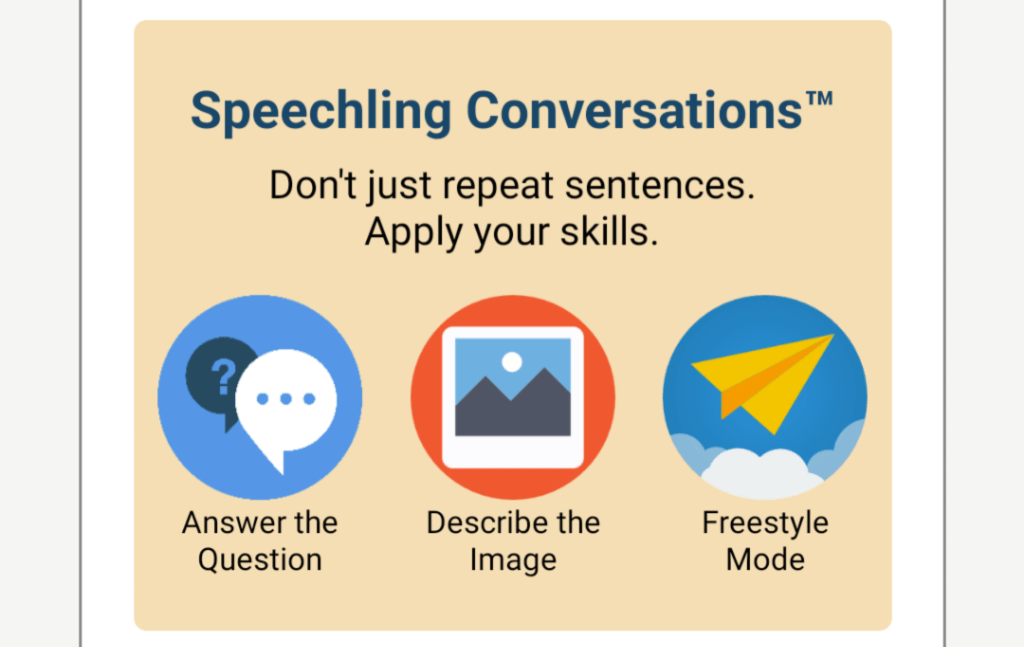
If you get tired of repeating and translating and listening and reading, the sky’s the limit with Conversations! I personally use Answer the Question the most, and am really inspired by the questions to really push on my fluency.
With Conversations, you are in charge of what you’re saying. It’s all totally spontaneous speaking, which makes for excellent practice!
The History Tab
Continuing on down that bottom toolbar, we come to the History tab. Just like the name suggests, here you can find every single recording you’ve submitted for review within 24 hours.
All languages and all levels are all grouped together here, but you can also filter your recordings by target language, topic, and feedback: if you need to work on something, you did just fine, or if you haven’t received feedback yet.
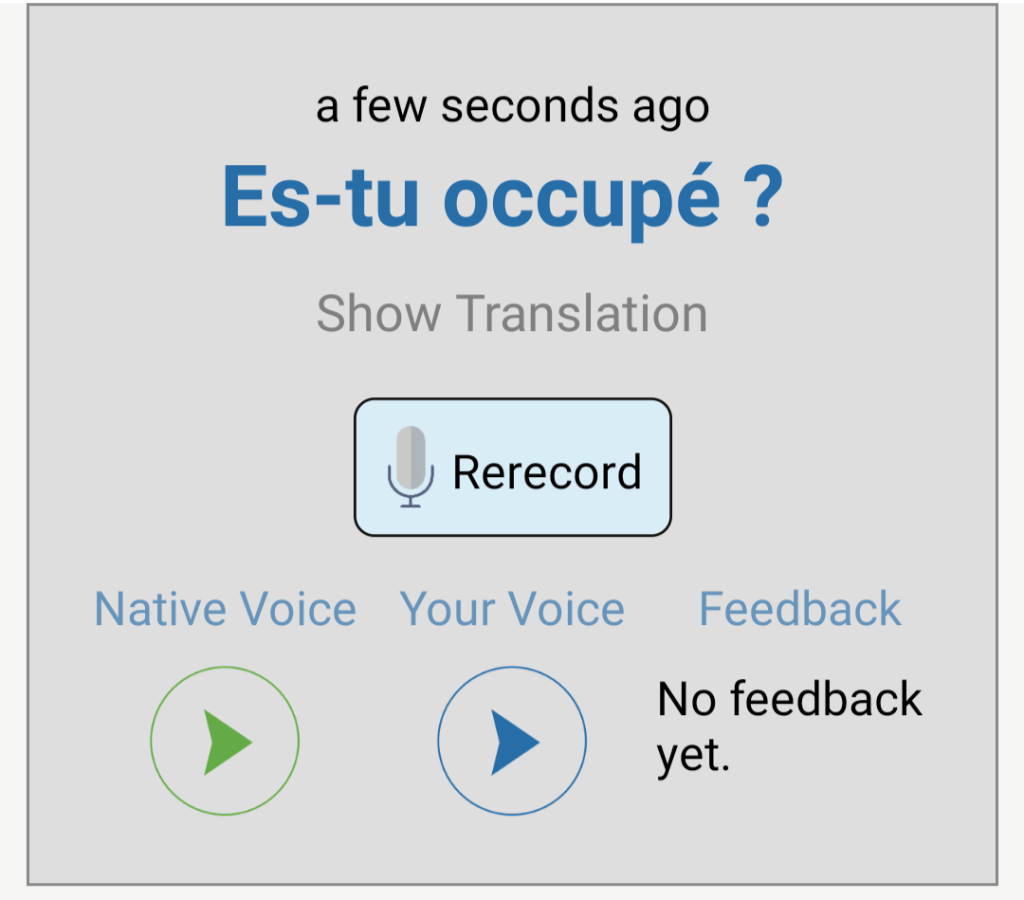
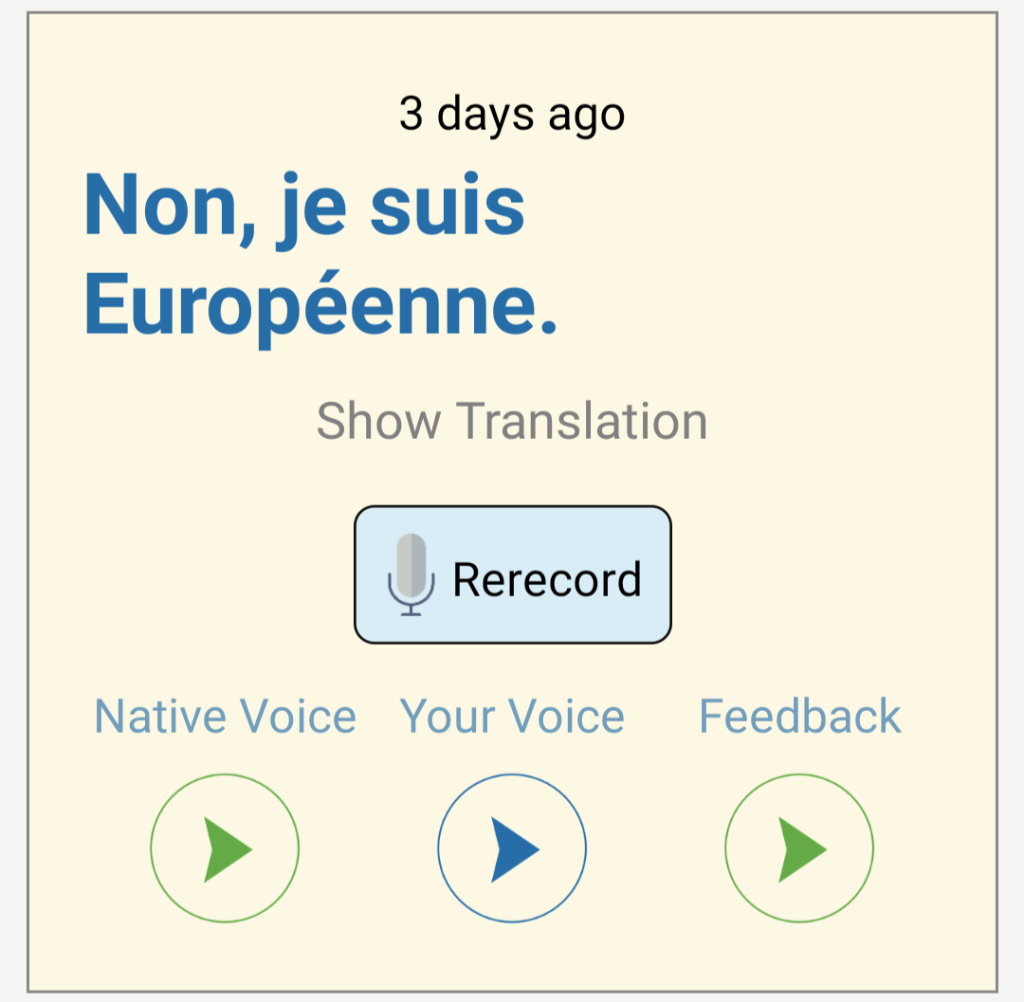
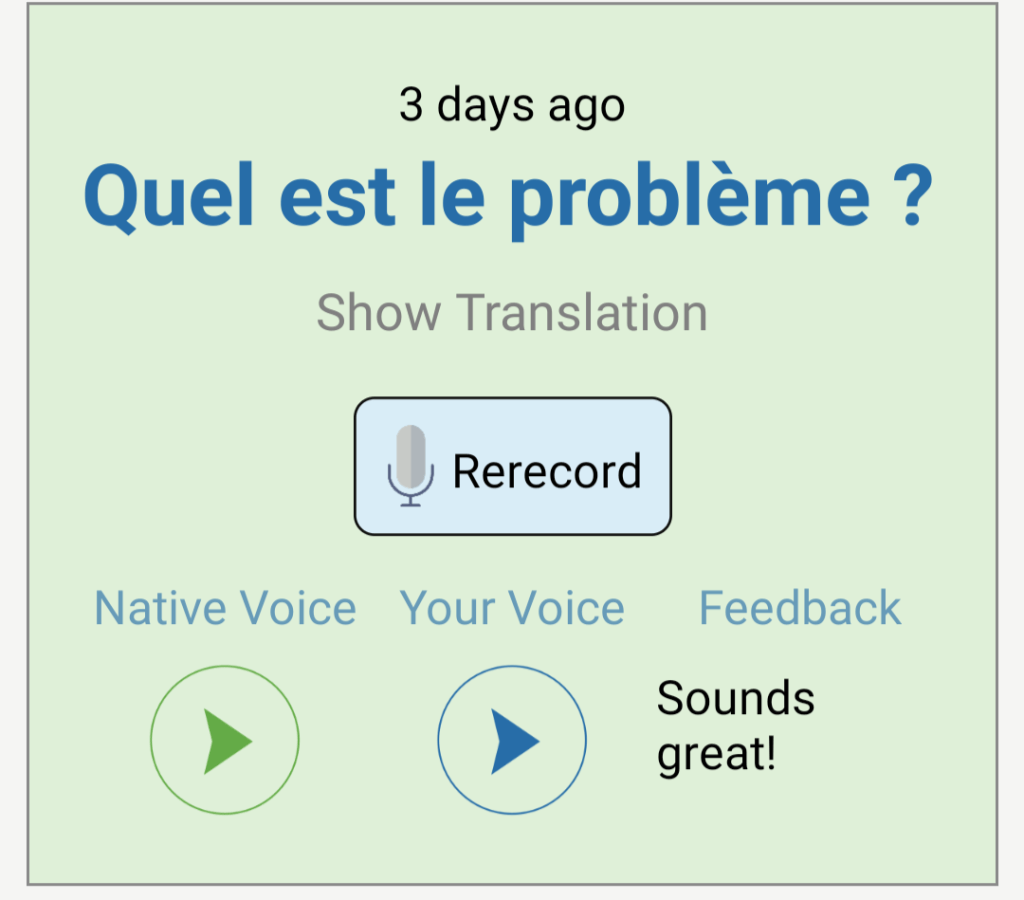
Your recordings are also color-coded: grey for recordings that haven’t been reviewed, yellow for recordings that need work, and green for recordings with two thumbs up.
You’ll also get a notification when your recording is reviewed, and always have a chance to rerecord following your new advice. Seriously, Speechling makes for an awesome speaking/pronunciation guide!
The Settings Tab
Now we get to the very last tab: the “Settings” tab. Unlike most other apps, this tab is very important, especially if you’re using it to learn more than one language.
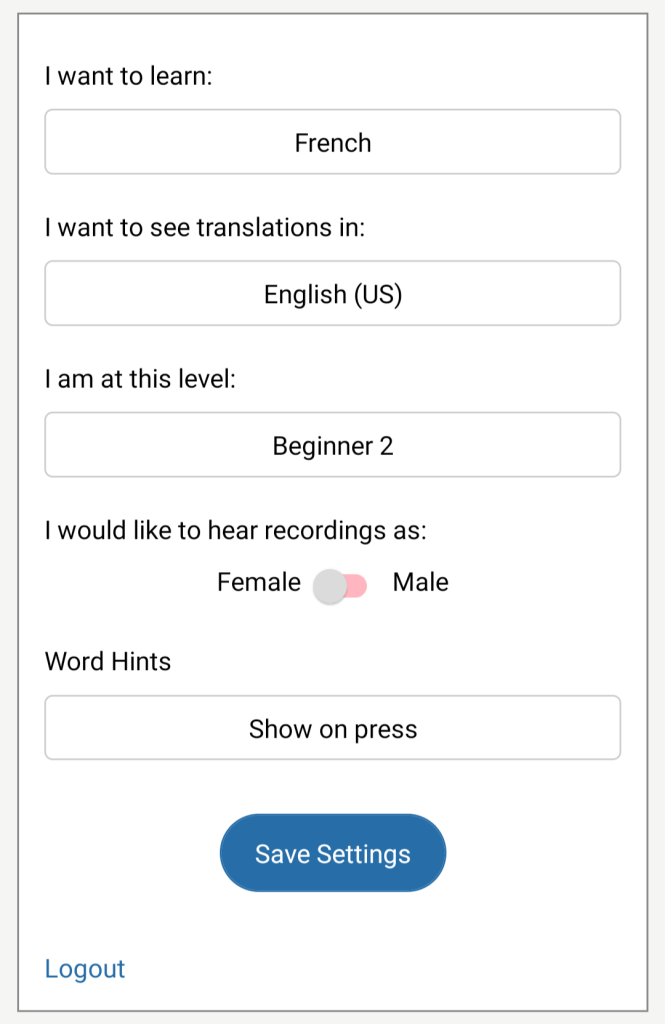
This is where the magic happens! Plug in the options that work for you and remember to hit save! I don’t know why I assumed it would save automatically, but it doesn’t.
The fine details of a Speechling account
Honestly, I think the Speechling app is jam-packed with more value than any other language learning resource I’ve ever tried. So what’s the deal? How much does it cost?
Would you believe me if I said that Speechling includes a (not completely bullshit) free option?
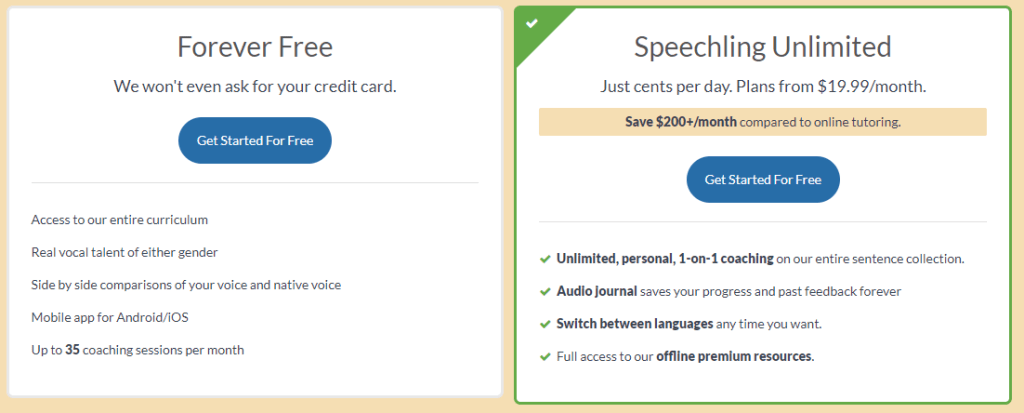
With a free account, you get everything you need to really get value from Speechling, up to 35 coaching sessions per month. That is an insane amount of free value, especially considering it involves responses from real humans!
The paid membership, obviously, does come with a few perks:
- unlimited recordings
- use of the “history” tab
- the opportunity to switch languages anytime
- the offline premium resources
The big, important thing you should notice is the unlimited practice, coming to a grand total of $20/month. You could literally spend 8 hours talking about whatever you want every single day (with or without over 10,000 prompts!) and only spend $20. Jaw, meet floor.
Now that’s value.
Should you use Speechling for Spanish speaking practice?
My gut reaction is a resounding YES: no matter what your level, what you need, Speechling really does seem to have something for everybody looking for Spanish speaking practice (as well as other languages). And y’all know I don’t sugar coat these things.
Thing is, when I try to think of cons, I can’t think of much. I mean sure, the app is ugly, but it’s an aesthetic thing, not a usability thing. And okay, the amount of options Speechling provides to help you practice are kind of overwhelming, but I’m not going to say that much value is a bad thing.
Thing is, Speechling is great for language learners of all levels, includes personalized feedback, and is very reasonably priced. By the way, did you know Speechling is a non-profit?
Especially if you struggle with the pressure (either emotional or financial) of real-time conversations, I think Speechling is a truly awesome way to work on your speaking!
Convinced? Click here to give Speechling a try!
Leave a Reply